Key export settings
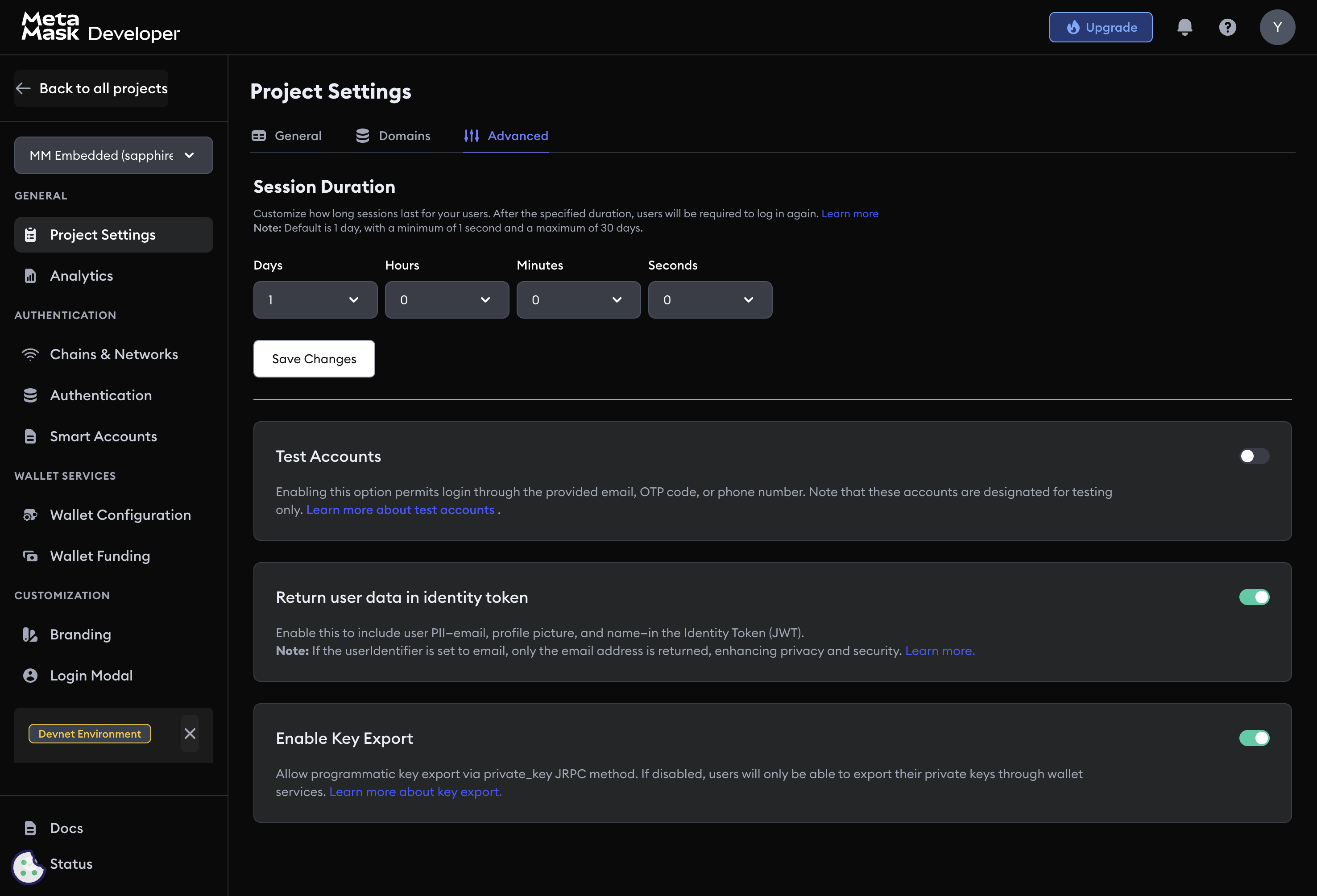
The key export setting controls whether your dapp can retrieve a user's private key programmatically through the Embedded Wallets SDK.
Export types
| Type | Always available | Configurable |
|---|---|---|
| Manual (wallet UI) | Yes | No (always on) |
Programmatic (private_key method) | No | Yes (toggle in Project Settings) |
Manual export is always available through the built-in wallet interface. Users initiate it themselves; your dapp has no control over it.
Enable or disable programmatic export
- Navigate to Project Settings → Advanced → Key export.
- Toggle Enable key export.
- Save to apply.
When enabled, your dapp can retrieve the user's private key using the private_key JSON-RPC method on the auth adapter:
const connection = web3auth.connection
const provider = connection?.ethereumProvider ?? null
const privateKey = await provider?.request({
  method: 'private_key',
})
When disabled, calling private_key throws an error. Manual export through the wallet UI remains available.
Never store or transmit a private key in plaintext. Retrieve it only when necessary, process it immediately, and clear it from memory afterward.
When to disable programmatic export
Disable programmatic key export for consumer-facing dapps, dapps handling high-value assets, and regulated financial services. Most dapps do not need it; signing transactions through the Embedded Wallets SDK (Wagmi, ethers, viem, or Solana hooks) does not require key export.
Next steps
- Session management: control session lifetime
- User details in ID token: control what PII appears in JWT tokens
- Project settings: general project configuration